
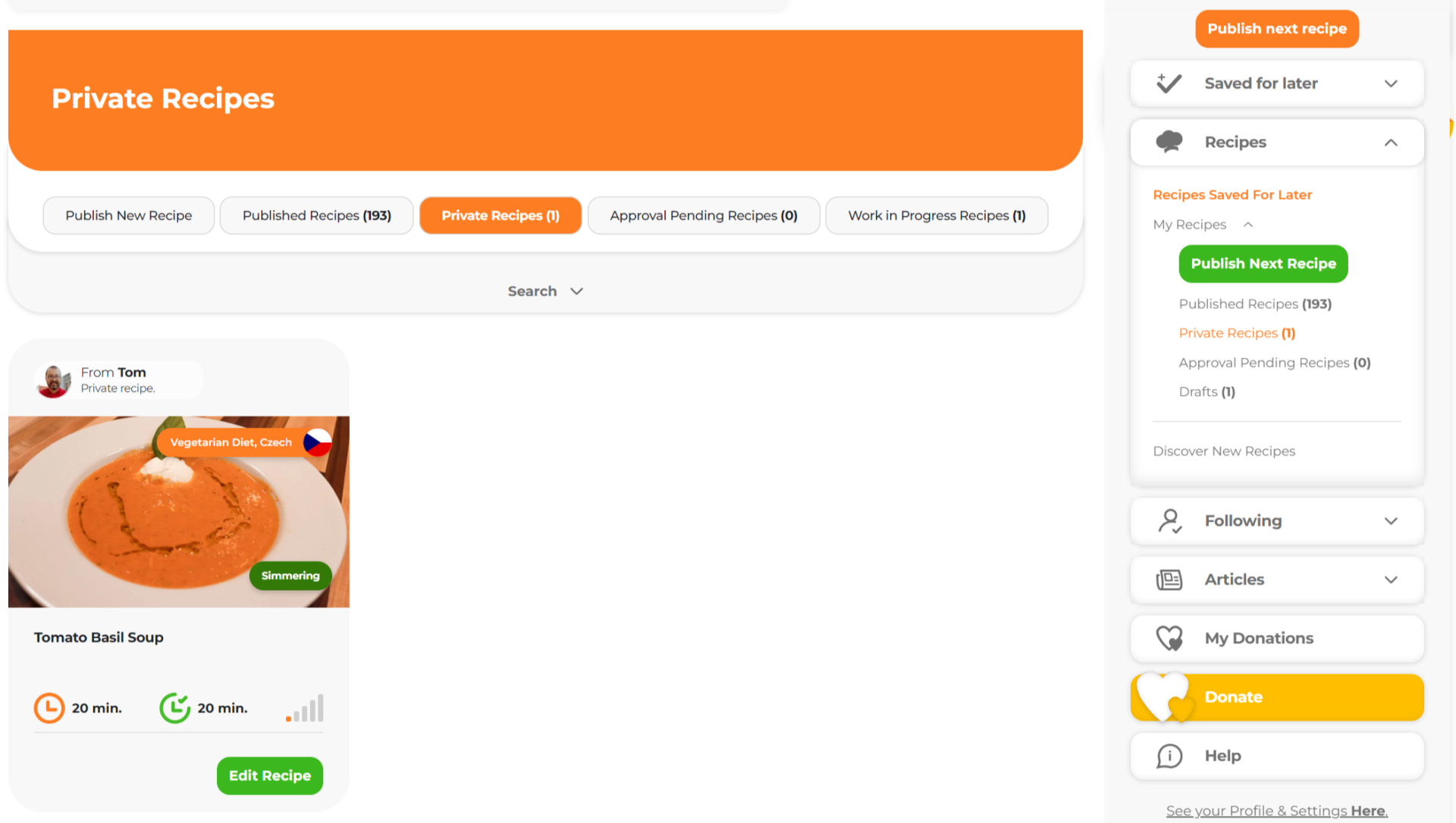
Our recipe editor allows you to add and further edit your recipes.
Published Recipe: Edit, Delete, or Make Private
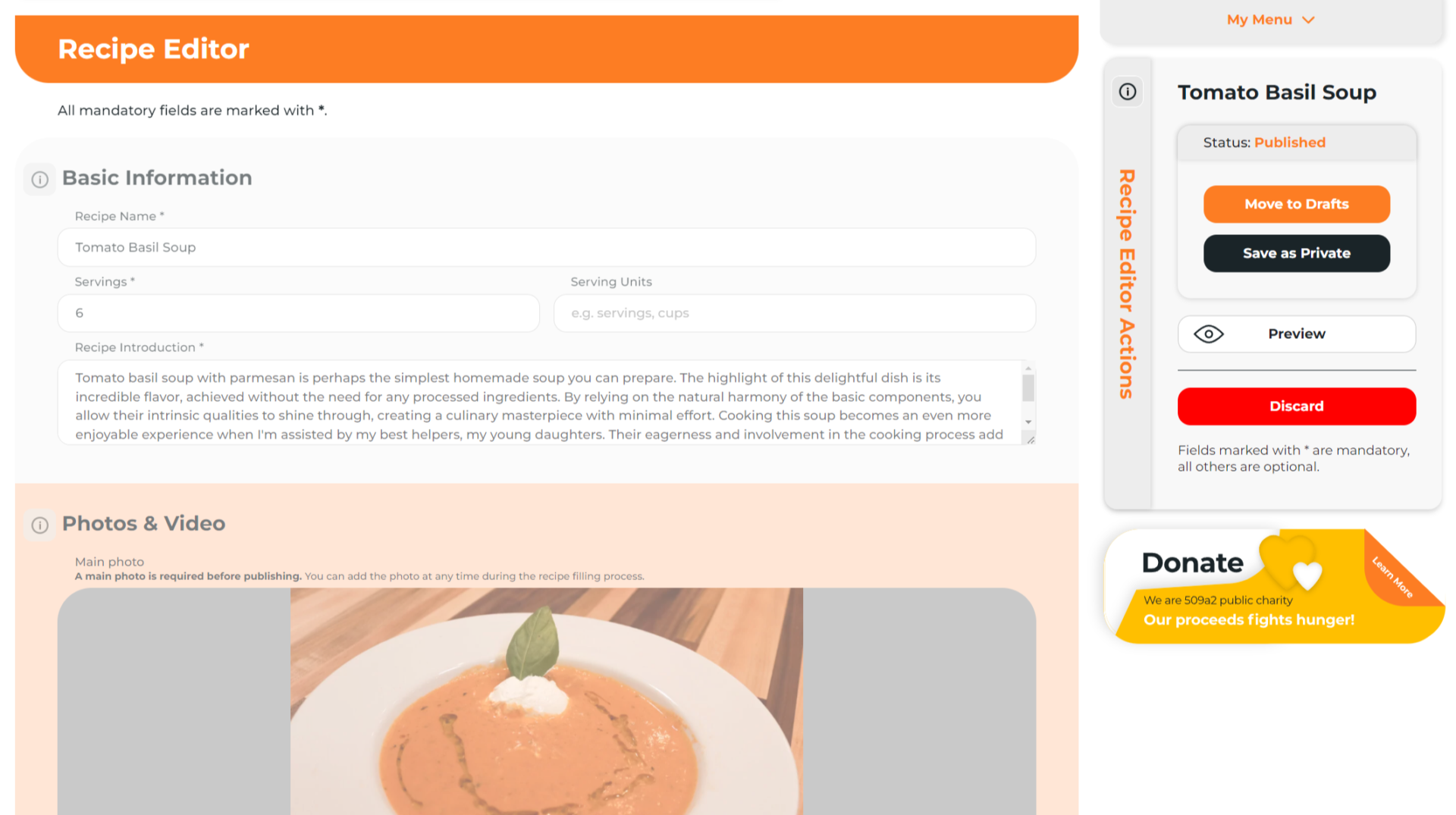
Any published recipe can be moved to draft and then republished. You also have the option to move the recipe to private or even delete it.
Basics
To use the Recipe Editor to publish or edit a recipe, you need:
- An account on cookinghub.com (create a free lifetime account here)
- To be logged in
Editing Disabled While Approval is Pending
While your recipe is pending, you cannot edit, delete, or make it private.
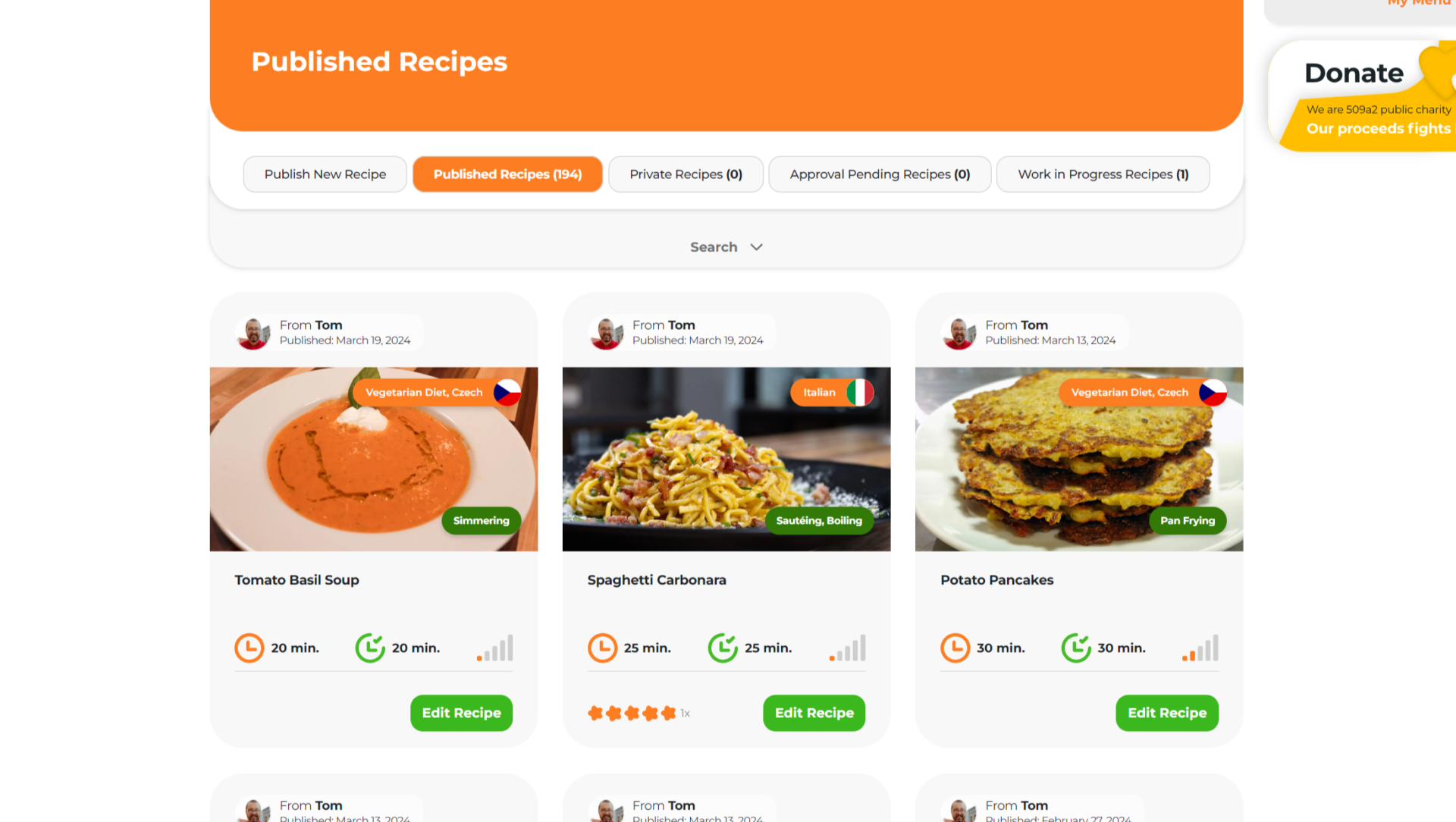
First Locate Published Recipe
2.
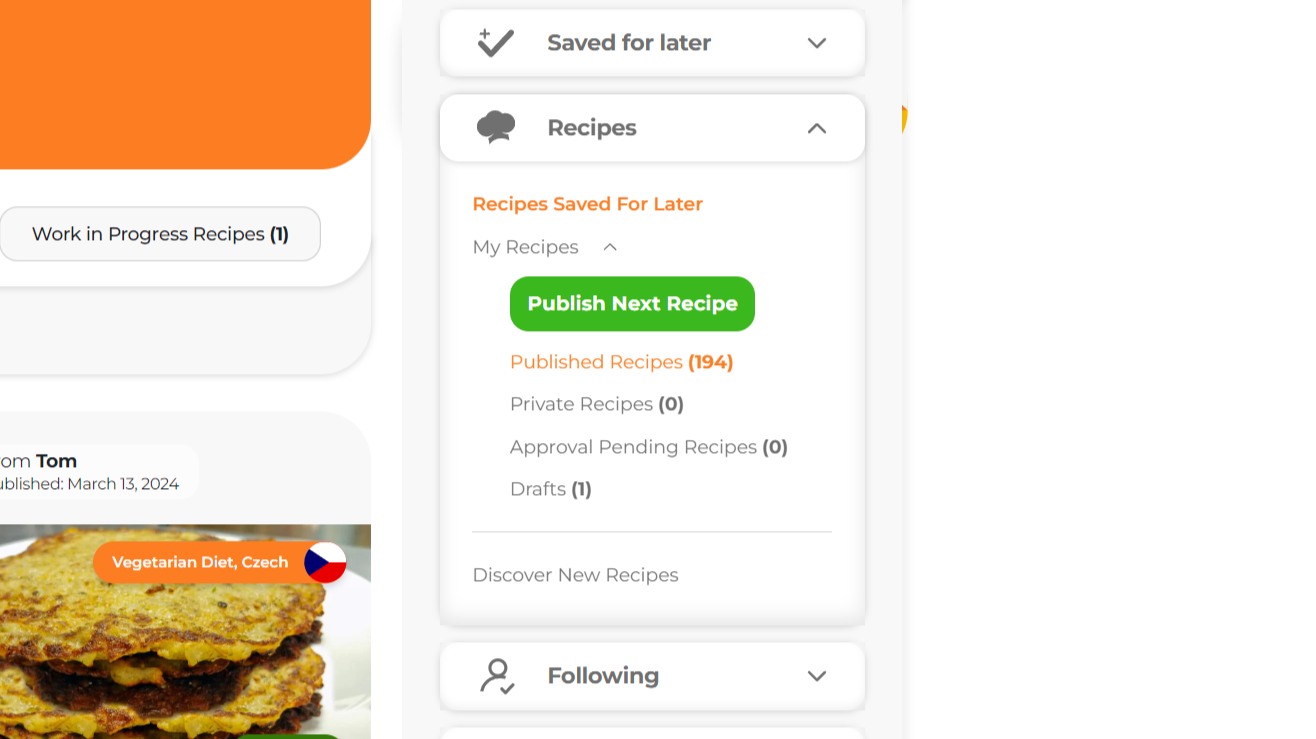
Select the “Recipes”.
3.
Choose “My Recipes”.
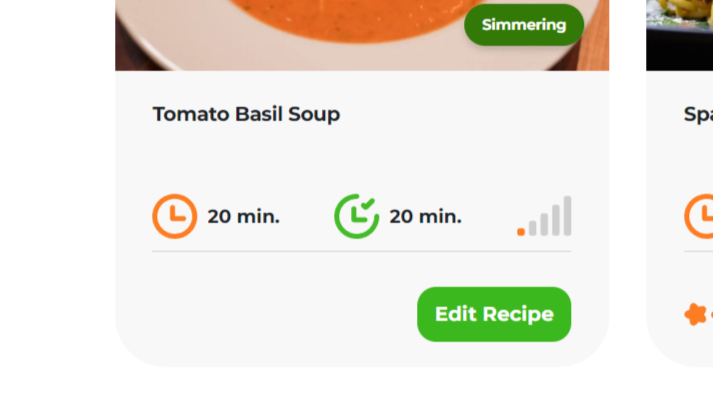
6. Click on the “Edit” button.
Note: Clicking on the recipe itself will open a non-editable version on the web.
7. This will open the recipe and the Recipe Editor Actions menu
Lear more about Recipe Action Menu here.
Important: Next, you need to select one of the options in the Recipe Actions Menu. Until then, the recipe will not be editable.
Move to Drafts
- The recipe will be unpublished, and you can then make your desired edits. (This action may take a minute. If you wait longer, refresh your browser.)
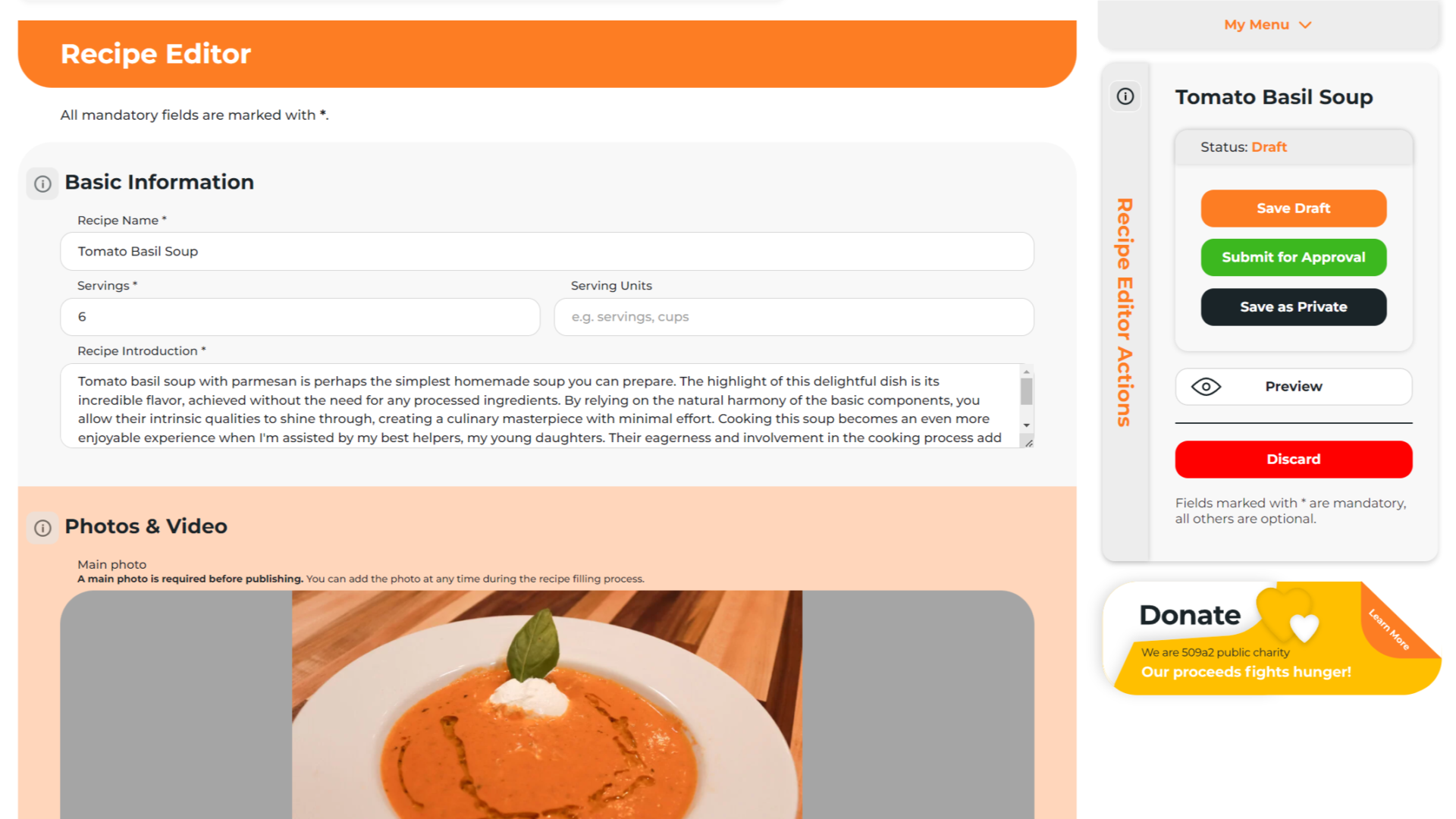
- Once the recipe is in Drafts, you can use the Recipe Editor Actions menu to:
- Save Draft: If you want to complete the recipe later.
- Submit for Approval: The recipe will be published after approval.
- Save as Private: The recipe will only be visible to you.
- Discard: This will permanently delete the recipe.
Save as Private
- The recipe will be saved as private and accessible only to you through My Menu. You cannot share private recipes.
- Private recipes can remain private indefinitely, be edited, submitted for approval, or discarded.
Discard
- This option will permanently delete the recipe. This action cannot be undone.


Share
Click on the icons below to share "Title of the item to share"