CookingHub is a unique recipe, social, and educational platform operated by a public charity, allowing everyone to read and create content completely free of charge.
Settings & Privacy
In Settings, you manage your information, including your profile details, contact details, and privacy preferences.
Important
- Visit settings as soon as possible (ASAP) after registration to set up your profile and update privacy settings if needed.
- Fields marked with an asterisk (*) are mandatory; all others are optional.
- Save any updates you make by clicking the Save button.
Basics
To access settings, you need:
- An account on cookinghub.com (create a free lifetime account here)
- To be logged in
Where are Settings Located?
Option A
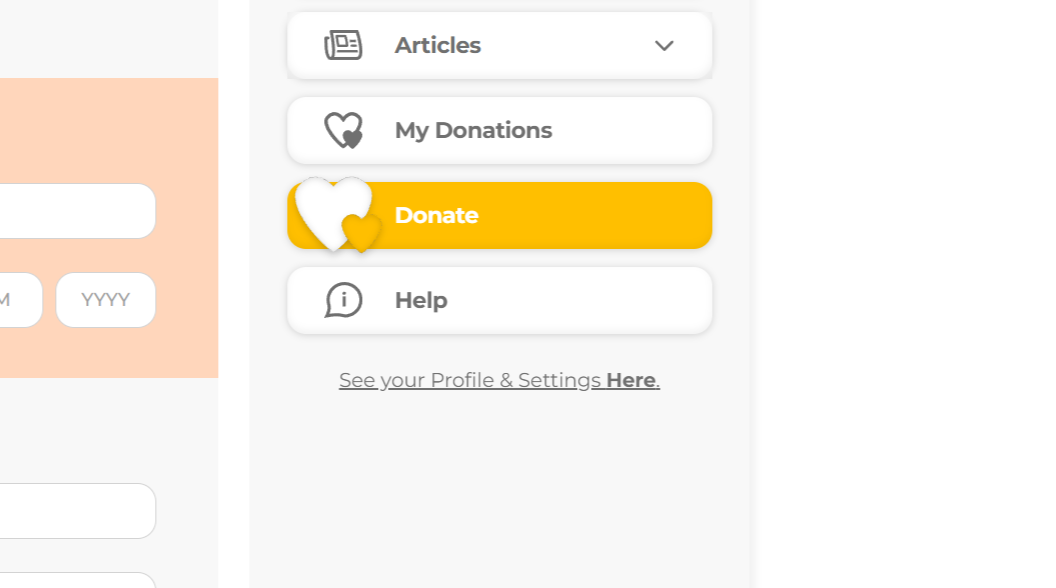
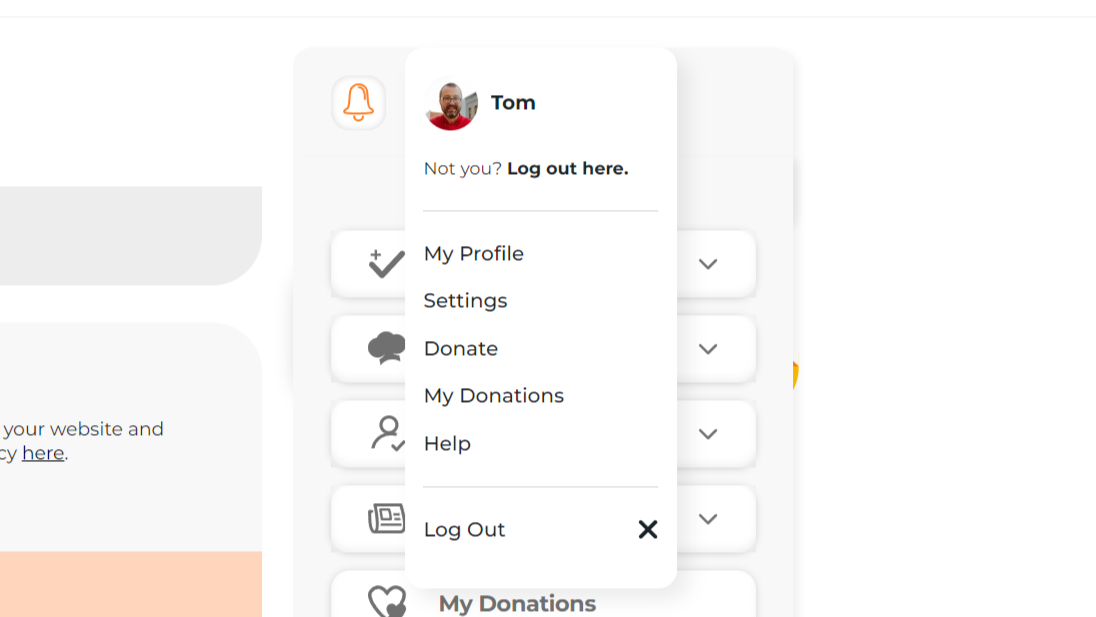
- Open My Menu. (Learn more about My Menu here).
- Select the See Your Profile & Settings Here option (at the bottom). This will open your profile.
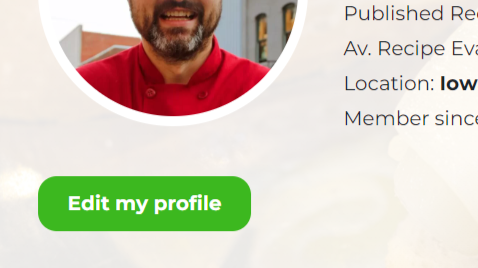
- Choose the Edit My Profile button.
In Settings, you can:
- Fill in your information (read more here)
- Change your password, including recovering a forgotten password (read more here)
- Set your profile to private or public (read more here)
- Allow or cancel automatic follower approval (read more here)
- Set up your profile photo and cover photo (read more here)
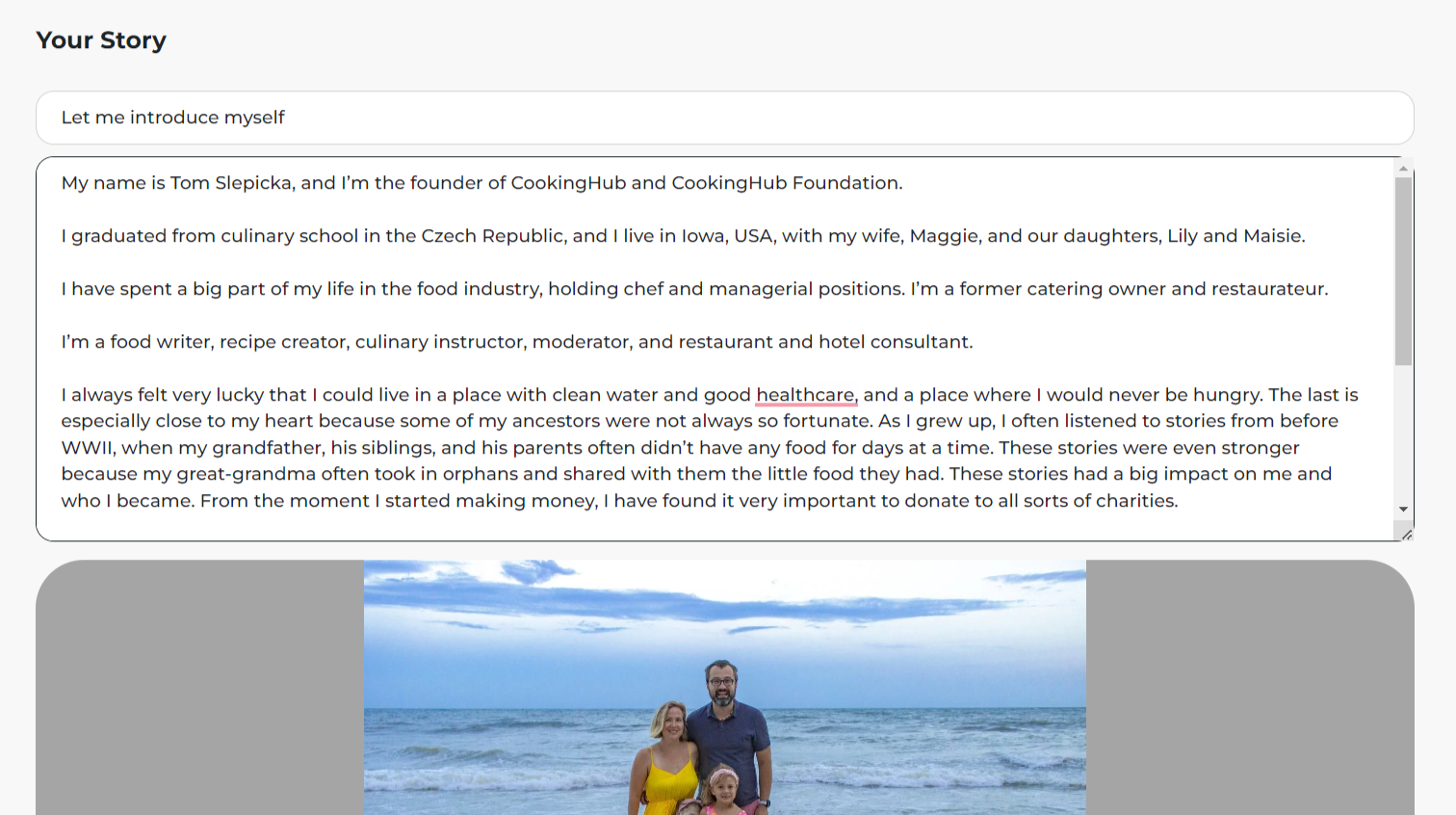
- Write About You – your story, including a profile picture (read more here)
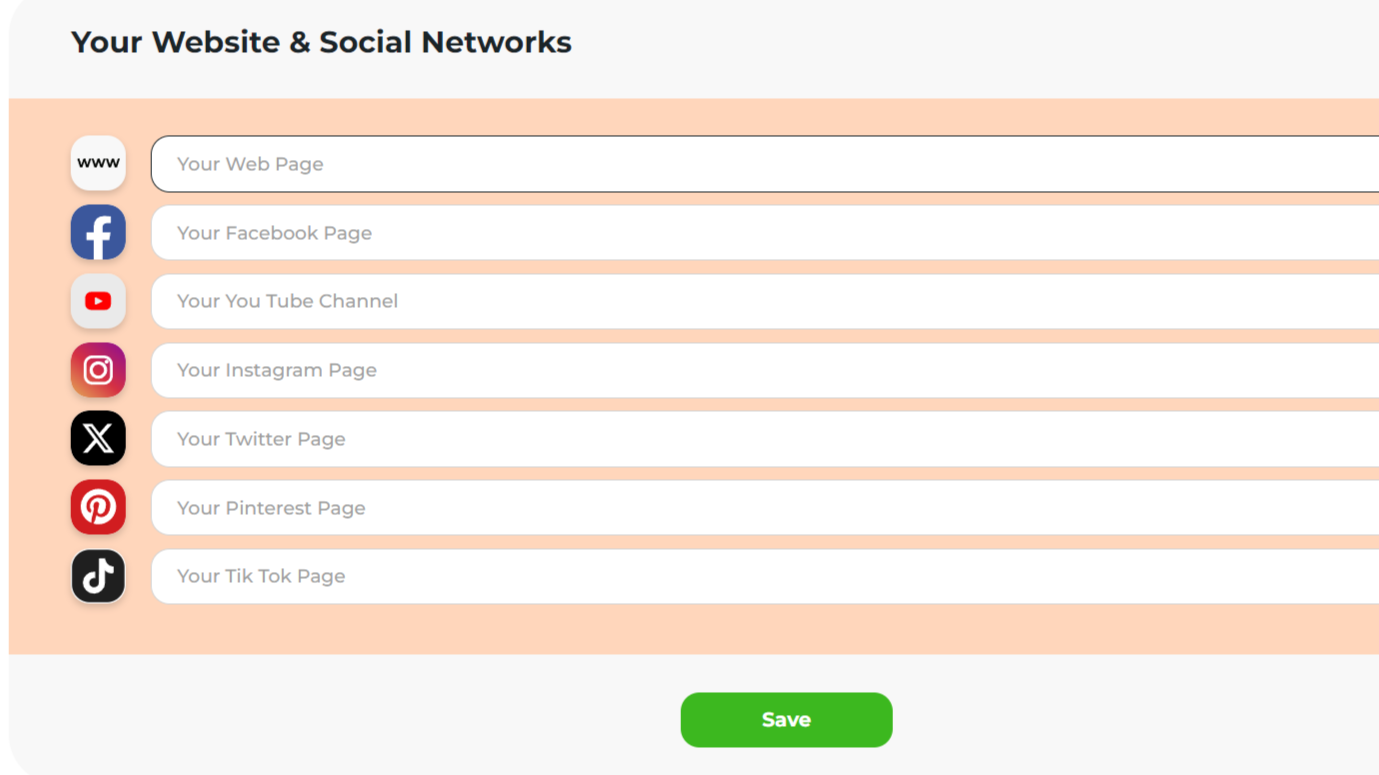
- Link your profile with your own website and social media (read more here)
- Information on how to delete your profile (read more here)
Filling in Information
Fill in your information as you wish, making sure to complete all mandatory fields. See below for which information will be publicly available.
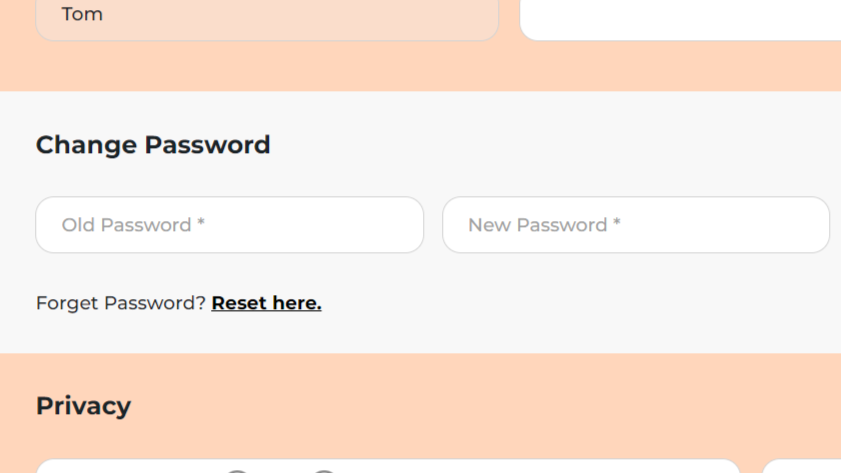
How to Change Your Password
Important: To change your password, you need to know your old password. You can reset your password from this section.
To change your password:
- Visit the Change Password section (part of settings).
- Enter your old password.
- Enter your new password twice.
- Save by clicking the Save button on the right.
Public vs. Private Profile
Important: Every new profile is public by default until changed by the user.
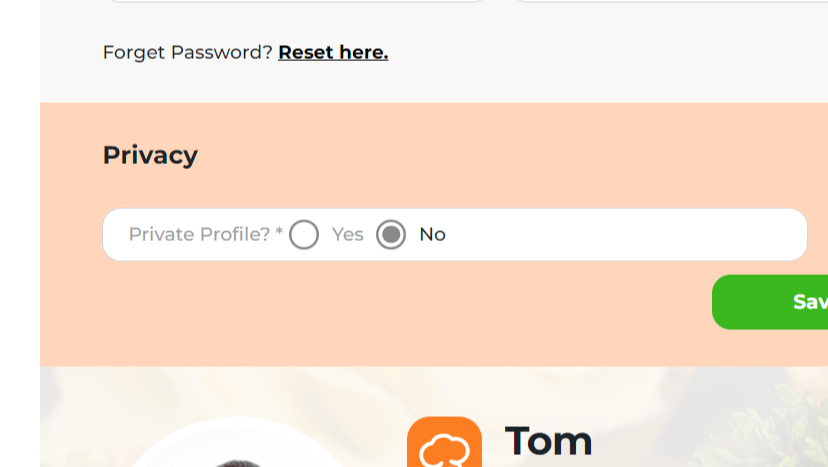
To set your profile as Private:
- Visit the Privacy section (part of settings).
- Locate the question Private Profile?
- Select the option Yes.
- Save by clicking the Save button on the right.
Which Info Will Be Public?
Information not mentioned below will not be published.
Public Profile:
From what you set up:
- Nickname (your name will be visible only if chosen as your nickname)
- Profile photo
- Cover photo
- Location (only state and country)
- About the Cook – Your Story, including your story photo (if filled in)
- Your website & social networks (if filled in)
Automatically generated:
- Badge (read more here)
- Rank
- Share buttons (to share your profile information with others)
- Number of cooks you follow and who are following you
- Number of published recipes
- Average recipe evaluation
- Member since
- Recipes by Cook – only published and approved recipes currently visible on CookingHub (that have not been deleted or moved to private)
- Articles by Cook – only published and approved articles currently visible on CookingHub (that have not been deleted or moved to private)
- Cook’s Favorite Recipes – the recipes of others saved for later
- Followed by Cook – cooks you follow
- Reviews – any reviews you write under the recipes and content of others.
- Link to a user’s profile on CookingHub
Private Profile:
Important: Private profiles cannot be followed by other users by default.
From what you set up:
- Nickname (your name will be visible only if chosen as your nickname)
- Profile photo
- Cover photo
- Location (only state and country)
Automatically generated:
- Badge(read more here)
- Rank
- Number of cooks you follow and who are following you
- Number of published recipes
- Average recipe evaluation
- Member since
- Recipes by Cook – only published and approved recipes currently visible on CookingHub (that have not been deleted or moved to private)
- Articles by Cook – only published and approved articles currently visible on CookingHub (that have not been deleted or moved to private)
- Reviews – any reviews you write under the recipes and content of others.
- Link to a user’s profile on CookingHub
Automatic Follower Approval
Important:
- Automatic follower approval is the default setting until changed by the user.
- If a private profile is selected, automatic follower approval is disabled (private profiles can’t be followed by default).
How it works:
- If automatic follower approval is selected, anyone can follow you without your approval.
- If automatic follower approval is not selected, you will receive requests from those who want to follow you and can decide to accept or deny each request.
How do I change my settings?
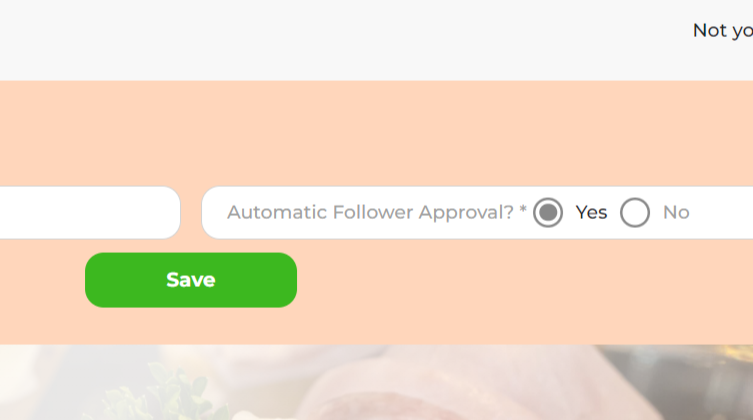
To set automatic follower approval to “denied”:
- Visit the Privacy section (part of settings).
- Locate the question “Automatic follower approval?
- Select the option No.
- Save by clicking the Save button on the right.
Setting Up Profile and Cover Photos
Profile Photo:
- Will be visible above your recipes, in reviews, and other parts of CookingHub where you participate
- Click the small camera icon on the left to upload a photo
- Save by clicking the Save button below.
Link Your Profile With Your Own Website and Social Media
We appreciate your support and allow you to link your website and social media networks if you wish.
To link your website and social media:
- Insert links to your website and social media (you can use only some options).
- Save by clicking the Save button below.
How to Delete Your Profile
- If you wish to permanently delete your account, please email your request to privacy@cookinghub.com.
- Requests are typically processed as soon as possible but may take up to one week in some cases.
- Please note that the request must be submitted from the email address associated with your account.
- Deleting your account is permanent and cannot be reversed.


Share
Click on the icons below to share "Title of the item to share"